An Overview of Public Transport Routes and Schedules
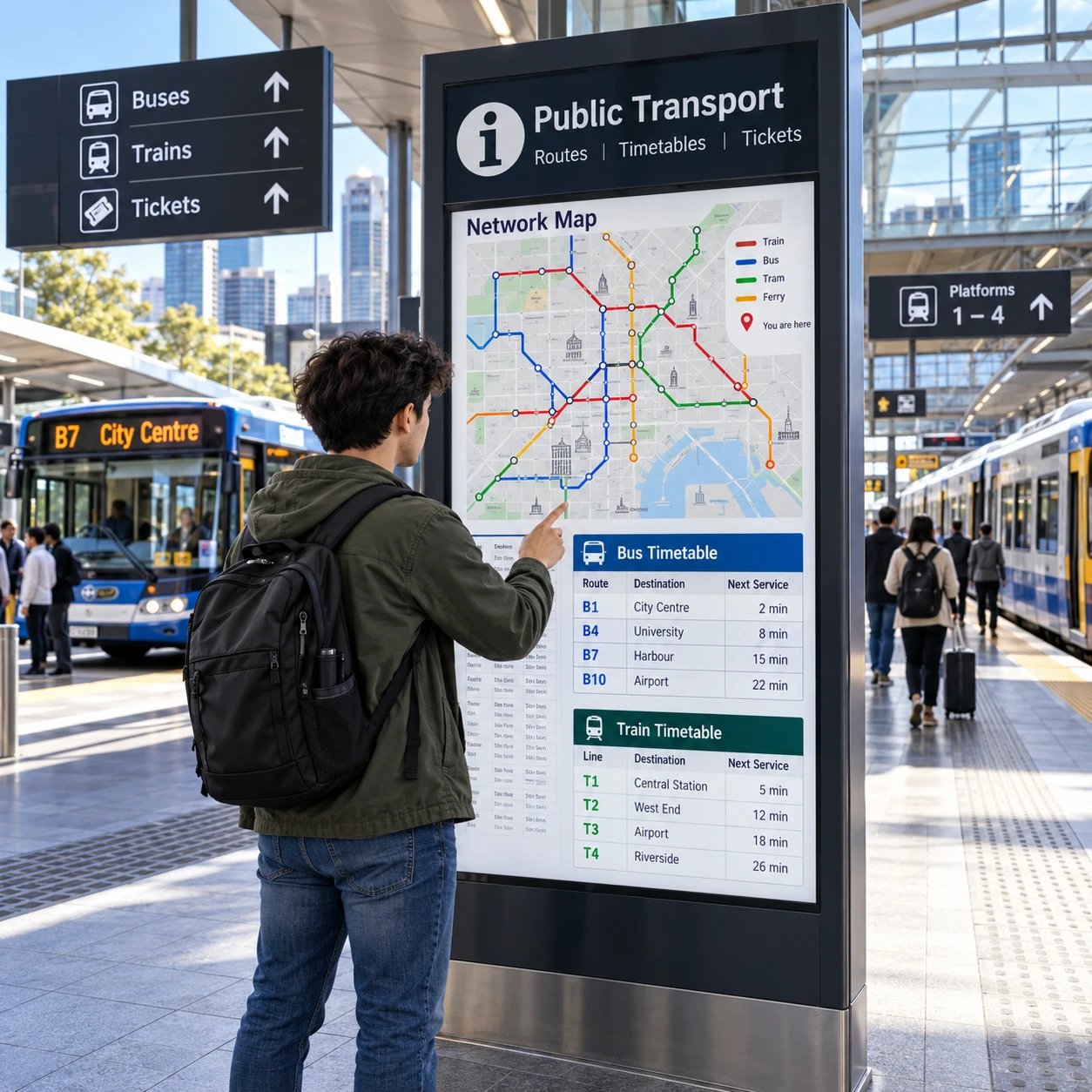
Public transport routes and schedules show how buses, trains, trams, and other services connect places across a network and when they are expected to run. Knowing how to read route maps, stop information, and timetables makes it easier to choose a service, plan a transfer, and respond when conditions change.
Schedule details can vary by route, direction, day, and service update. Before travelling, use the transport authority’s official information to check the stops, departure times, operating hours, and any current disruptions relevant to your trip.
How public transport routes are organized
A public transport route links a sequence of stops or stations, usually along a defined corridor and in a particular direction. Together, routes form a network that lets passengers travel between neighborhoods, town centres, and interchange points.
Each route has a path and a set of places where passengers can board or leave. Some routes run between two end points; others branch, loop, or share part of their path with another service. A route may also operate in both directions, with different stop sequences or travel times in each direction.
When choosing a route, check more than its name or number. Confirm:
- Direction: Look for the destination or end point shown for the service you need.
- Stops served: Make sure the route calls at a stop or station near your origin and destination.
- Operating pattern: Some trips may serve only selected stops or follow a different path at certain times.
- Connections: Identify where the route meets other services if your journey requires a transfer.
Routes are often designed to balance coverage and travel time. A direct service may be quicker but stop in fewer places; a route that serves more local stops may reach more destinations but take longer. Choose based on the stops you need, not just the route’s apparent direction across the map.
Understanding route maps and stop information
A route map shows where services travel and how stops or stations connect across the public transport network. Use it to identify the right direction, locate an interchange, and see whether your destination is served directly.
Start by finding your origin and destination on the map. Follow the line that represents the route, checking its label and the names of stops along the way. Map colors and symbols can distinguish services, accessible facilities, or major interchanges, but their meaning varies by map. Check the legend rather than assuming a color or icon has the same meaning across different documents.
At a stop or station, confirm the information on the sign or passenger display. The stop name may appear in slightly different forms across maps and journey planners, so use nearby landmarks or the stop code, when provided, to make sure you are in the right place. For bus services, check the direction shown on the stop flag or display; services travelling in opposite directions may use separate stops on different sides of the street.
Route maps are useful for understanding the shape of the network, but they are not always drawn to scale. A short-looking distance on the map may take longer than expected, and a line’s position does not necessarily show the exact street or track. Use stop information and journey-planning tools to confirm the practical details.
- Check the route’s destination to confirm direction.
- Count the stops or note the interchange where you will change services.
- Verify the boarding location, especially at large stations with multiple platforms or bays.
- Allow extra time to find your stop if the map shows a complex interchange.
How to read public transport schedules
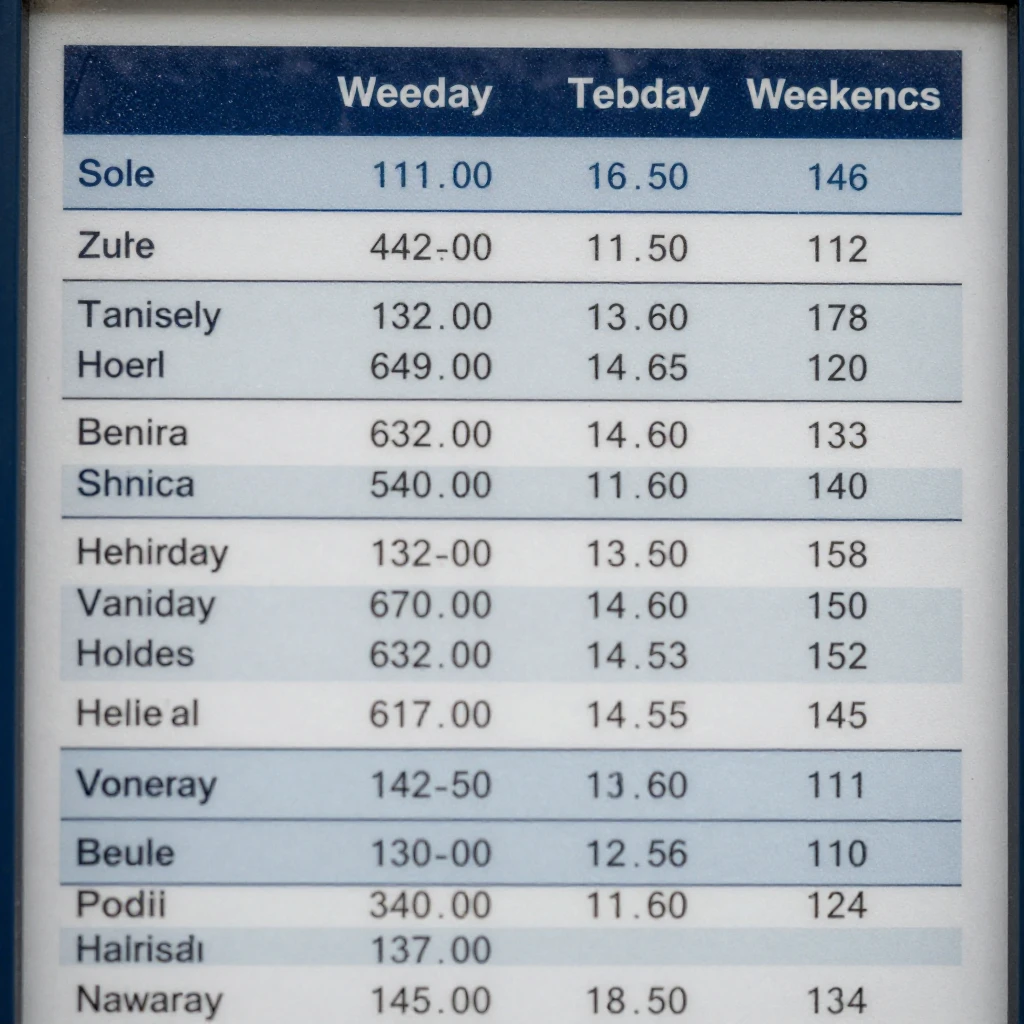
A public transport timetable lists the times a service is scheduled to depart from or arrive at selected stops. Read the correct route, direction, stop, and day type together; a time in the wrong column may describe a different journey.
Timetables commonly separate weekdays, Saturdays, Sundays, and public holidays. Some list every stop, while others show times only at key points along a route. If your stop is not named, check the timetable notes to see whether the displayed time applies to nearby stops or whether a detailed schedule is available.
Pay attention to the distinction between a departure time and an arrival time. A journey planner may show both, while a printed timetable may list only scheduled departures at selected stops. When planning a connection, allow enough time to leave one service, reach the next boarding point, and account for possible delays. A very tight transfer may be risky even if the scheduled times appear to align.
Operating hours describe the part of the day when a route is expected to run. The first and last departures can differ by direction and day, and late-night or early-morning services may follow a separate timetable. Check the full schedule if you are travelling near the start or end of service.
Before you rely on a timetable: confirm the date or day type, direction, boarding stop, and any notes about selected trips. Timetables describe planned service, not a guarantee that a vehicle will arrive exactly on time. Current service updates may change what is operating.
Frequency, connections, and transfers
Service frequency is how often a route runs, while a connection is the point where you change from one route or mode to another. Both affect total journey time, particularly when services run less often or a transfer requires a walk between stops.
Frequency may be described as a headway, such as a service every 10 minutes, or shown through individual departure times. A frequent route can offer more flexibility, but frequency may change by time of day, day of week, or section of the route. Always check the schedule for the time you plan to travel rather than assuming the busiest-period pattern applies all day.
To plan a transfer, check the arrival time of the first service and the departure time of the next one. Confirm whether both services use the same station, platform, or stop area. At a large interchange, the walking time between platforms can matter as much as the timetable gap.
- Use the journey planner to compare direct and connecting options.
- Check the transfer location and the walking route between boarding points.
- Leave a practical buffer when services are infrequent or the connection is important.
- Consider an alternative connection in case the first service is delayed.
A route with fewer transfers is often simpler, but it may take longer or run less frequently. A faster itinerary with several changes can be more vulnerable to delays. Choose the balance that suits your priorities, and check whether your connection is still feasible when service updates appear.
Finding current routes and schedules
The transport authority’s official website, journey planner, route maps, and station or stop information are the best places to find current routes and schedules. Use these channels to verify planned departures and check whether a service has changed.
For a specific trip, enter your origin, destination, and intended travel time in the official journey planner. Review the full itinerary, including the route, direction, boarding stop, transfer points, and any walking segments. If you already know the route, open its timetable and select the correct day and direction.
Printed maps and timetable panels can be useful when you are already at a stop, but they may not reflect a recent change. Compare them with the authority’s current online information when available. Station displays, official service-alert pages, and the authority’s verified communication channels can provide information about delays, cancellations, or temporary changes.
Keep the trip details together: route name or number, stop or station, direction, departure time, and date. This quick check helps prevent common errors, such as reading a weekday timetable for a Sunday trip or waiting at the correct stop for a service travelling the opposite way.
Information can change after you plan a journey, especially during planned maintenance or unexpected disruption. Check again shortly before leaving if the timing is important or your itinerary depends on a transfer.
Planning for service changes or disruptions
Service updates and disruption notices explain when planned or unexpected changes affect a route, stop, station, or timetable. Check them before travelling and follow any revised boarding instructions or replacement-service information.
Planned changes may include construction work, special operating hours, or a temporary stop relocation. Unexpected disruptions can involve delays, cancellations, or a route change. The notice should identify the affected service and location, explain when the change applies, and provide an alternative where available. Read the full notice rather than relying only on a headline.
Use this simple check before a time-sensitive journey:
- Match the notice: Confirm that it applies to your route, direction, stop, and travel date.
- Check the impact: Look for altered departure times, closed stops, or replacement boarding points.
- Choose a backup: Review another route or connection if the planned option is affected.
- Recheck near departure: Updates can change, so consult the authority’s current service information again.
Do not assume that a familiar timetable still applies during a disruption. A temporary arrangement may change where you board or how long a transfer takes. If instructions are unclear, ask staff at the station or use the contact channel listed by the transport authority.
Frequently asked questions
Where can I find the latest route maps and schedules?
Check the transport authority’s official website or journey planner, along with current stop displays and service notices. Use the specific route, direction, and day information for your trip.
How do I know which stop or station to use?
Match the stop name or code in your itinerary to the sign or passenger display, and confirm the service direction. At larger stations, check the platform, bay, or boarding-area information too.
Do schedules differ on weekends or holidays?
They can. Select the correct day type or travel date in the timetable or journey planner, and check for holiday or special-service notices.
How can I check for delays or route changes?
Review the transport authority’s current service updates, official journey planner, and stop or station displays before departure. Recheck if your trip depends on a tight connection.